Why you might see the wrong Lost THC website in search:
If you typed “Lost THC” and your browser sent you somewhere that looks off, you are not crazy. This happens a lot with popular brands, especially when there are lookalike domains, ads, cached results, and autofill trying to “help.”
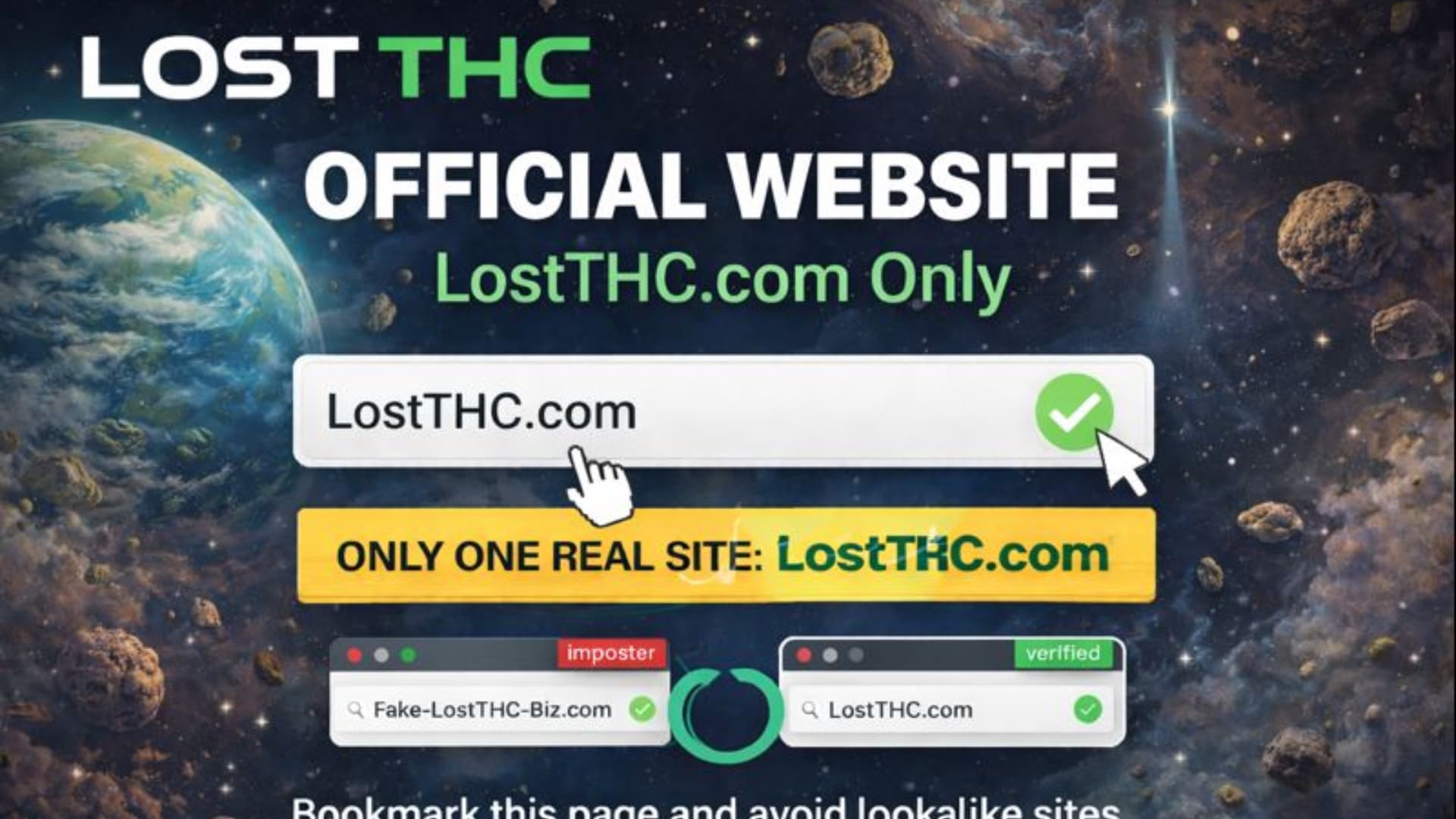
The fastest fix is simple: go directly to the official site by typing it in yourself: lostthc.com (bookmark it after). If you end up on anything else, back out and do not enter payment info.
Below is the honest breakdown of why it happens, how to spot it instantly, and how to lock your browser so it stops doing it.
The most common reason: lookalike domains and “close enough” links
When a brand gets searched a lot, copycat domains show up that look almost identical at a glance. One extra dash, a different ending, or a tiny spelling change is all it takes.
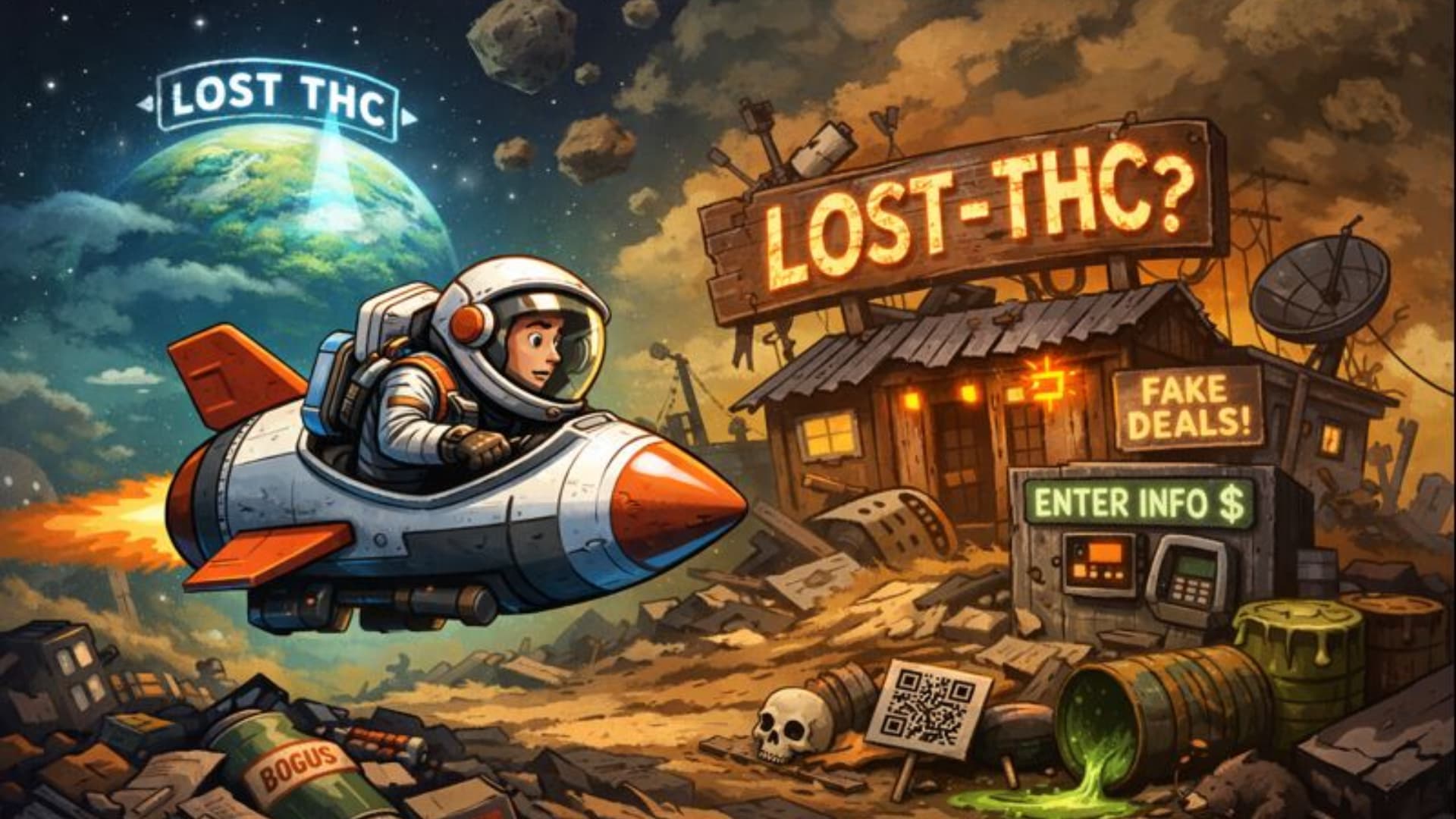
For Lost THC, the official domain is lostthc.com. A common lookalike people get sent to is lost-thc.com.
Even if the site looks convincing, “almost the same” is not the same.
7 reasons your browser might show the wrong Lost THC result
1) Google results and ads can put the wrong link on top
Search pages are a mix of normal results and ads. Some ads can appear above the real site, especially if you click the first thing without checking the domain. Also some websites may pop up above the legit Lost THC website because they are doing black hat marketing tricks to rank. For example a website may pay for a backlink which is illegal to do according to Google and that may manipulate the search rankings to rank them higher.
Quick check before you click: read the domain, not the headline. You are looking for lostthc.com if you want to find the real legit Lost THC website.
2) Your browser autofill is guessing
If you previously clicked the wrong site once, your browser may start suggesting it again. Chrome, Safari, Edge all do this.
What it looks like:
-
You type “lost…” and it completes a different domain
-
You hit enter fast and get redirected
Fix:
-
Delete that autofill suggestion
-
Bookmark
lostthc.comand use the bookmark instead
3) Cached pages can keep showing old or incorrect results
Browsers cache pages to load faster. Sometimes that means it keeps serving a route you hit before, even if you did not mean to.
Fix:
-
Open an Incognito/Private window and try again
-
Clear cache for the site history if it keeps repeating
4) Your DNS can be stale (rare, but real)
DNS is basically your device’s address book for websites. If it is stale or misbehaving, you can get weird routing.
Fix (easy version):
-
Restart your phone or computer
-
Toggle Wi-Fi off/on
-
If you are on public Wi-Fi, switch to cellular data and retry
5) Browser extensions can hijack searches
Coupon extensions, “shopping helpers,” sketchy ad blockers, or random free toolbars can rewrite searches and links.
Fix:
-
Temporarily disable extensions and try again
-
If the problem disappears, you found the culprit
6) You clicked a QR code or link from an unofficial page
A lot of people land on the wrong site from:
-
Random “review” pages
-
Fake discount posts
-
Marketplace listings
-
QR codes printed on copied packaging
Fix:
-
Always cross-check the domain against
lostthc.com -
If you are unsure, do not checkout until you verify
7) Typos, punctuation, and “smart” keyboards
A dash, an extra character, or autocomplete changing what you typed can send you to a different place instantly.
Fix:
-
Type the domain slowly once, then bookmark it forever
How to verify you are on the real Lost THC site in 10 seconds
Use this quick checklist:
-
Domain is exactly:
lostthc.com -
No dash, no extra words, no weird ending
-
Site feels consistent (branding, product naming, navigation)
-
No pushy popups trying to rush payment
-
No “too good to be real” pricing traps that feel like a bait-and-switch
If any of that feels off, close the tab.
“But I searched Lost THC and the wrong site looks more official”
That is the whole trick. Copycats put effort into looking clean, because they rely on you moving fast.
Two simple rules protect you every time:
-
Trust the domain, not the design
-
Use bookmarks, not search, when you are buying
Fix it for good (Chrome, Safari, iPhone, Android)
Chrome (desktop)
-
In the address bar, type “lost” and look at suggestions
-
If you see the wrong domain, highlight it and remove it
-
Go to
lostthc.comand bookmark it
Optional cleanup:
-
Clear browsing data (cache) if it keeps pushing the wrong route
-
Disable extensions one-by-one if clicks keep rerouting
iPhone Safari
-
Use a Private tab to test (this bypasses some history behavior)
-
If it works in Private but not normal mode, clear Safari history/website data
-
Bookmark
lostthc.comand use that bookmark for shopping
Android (Chrome)
-
Test in Incognito
-
Clear cache for Chrome if it keeps repeating
-
Delete any weird “search helper” apps you do not recognize
What Lost THC is doing about it
Lost THC is actively protecting the brand online. That includes trademark enforcement and ongoing legal action against impersonation attempts, plus brand verification content that makes it easier for customers (and search engines) to identify the real site.
The short version: if you want the real Lost THC experience, start and finish at lostthc.com.
If you think you landed on a fake site, do this
-
Do not place an order
-
Do not enter card info
-
Screenshot the page and the domain
- Report the website to Google
-
Go directly to
lostthc.comto continue safely
If you already ordered on a lookalike site, treat it like any online fraud situation:
-
Contact your bank/card provider immediately
-
Save screenshots, receipts, and confirmation emails
FAQ
Why does Google show the wrong Lost THC link first?
Because search results can include ads, and lookalike domains sometimes get visibility through marketing, backlinks, or confusion clicks. Google ranking is not the same thing as “official.”
Is lostthc.com the only official Lost THC website?
Yes. The official site is lostthc.com. If you see variations like a dash version, that is not the official domain. Read our blog on the official Lost THC website.
Why do I keep getting redirected even when I click the right link?
Most often it is:
-
a browser extension rewriting links
-
a cached redirect
-
an autofill or history suggestion you keep tapping
Test in Incognito/Private mode. If the issue disappears, it is something on your device, not the website.
What if I am trying to check if my Lost THC product is legit?
Go to the Lost THC verification content on lostthc.com (the “Is Lost THC Real?” page) and compare everything from the source. Do not rely on random search results or marketplace listings.
Bottom line
If your browser shows the wrong Lost THC result, it is usually one of three things: lookalike domains, ads, or your own browser trying to autocomplete based on a past click.
Skip the headache and go straight to the source: lostthc.com. Bookmark it once, and you never have to gamble with search results again.